
Video content has become one of the most effective ways to communicate, entertain, and grow an online audience. Whether you’re creating videos for YouTube, Instagram, TikTok, Facebook, or your business, good editing can transform ordinary footage into engaging content.
If you’re new to editing, don’t worry. Every professional video editor started as a beginner. With the right techniques and consistent practice, you can quickly improve your skills and create videos that look polished and professional.
In this guide, you’ll learn the best video editing tips for beginners, along with practical advice to help you edit faster, avoid common mistakes, and produce high-quality videos.
Video editing is the process of arranging, trimming, enhancing, and combining video clips to create a finished video. It also includes adding music, sound effects, text, transitions, animations, and color adjustments to improve the overall viewing experience.
Good video editing helps:
- Tell a clear story
- Keep viewers engaged
- Improve video quality
- Increase watch time
- Make content look professional
1. Choose Beginner-Friendly Video Editing Software
The first step is selecting software that fits your skill level. As a beginner, you don’t need the most advanced editor. Instead, choose software with an easy-to-use interface and essential editing tools.
Look for features such as:
- Drag-and-drop editing
- Timeline editing
- Text and title templates
- Transitions
- Audio editing
- Color correction
- Export options for HD videos
As your skills improve, you can explore more advanced features.
2. Organize Your Project Files
Many beginners waste time searching for clips because their files aren’t organized.
Create folders for:
- Raw videos
- Images
- Music
- Voice recordings
- Sound effects
- Project files
- Final exports
A well-organized workflow saves time and makes editing much easier.
3. Plan Your Video Before Editing
Editing becomes much easier when you know what you want to create.
Before opening your editing software:
- Watch all your footage.
- Remove bad takes.
- Select the best clips.
- Arrange them in a logical order.
- Write a simple editing plan.
Planning reduces editing time and improves storytelling.
4. Trim Unnecessary Footage
One of the easiest ways to improve your videos is by removing unnecessary scenes.
Cut:
- Long pauses
- Mistakes
- Repeated sentences
- Camera shakes
- Empty moments
A shorter, more focused video keeps viewers interested from beginning to end.
5. Keep Transitions Simple
Beginners often use too many flashy transitions. While they may seem exciting, excessive effects can distract viewers.
Professional editors usually rely on:
- Straight cuts
- Fade in
- Fade out
- Cross dissolve
Use creative transitions only when they naturally fit the story.
6. Improve Audio Quality
Excellent audio is just as important as high-quality visuals.
To improve your sound:
- Remove background noise.
- Balance music and voice levels.
- Use a clear microphone whenever possible.
- Avoid overly loud background music.
Clear audio helps viewers stay engaged throughout the video.
7. Add Text and Titles
Text makes your videos easier to understand and more engaging.
Use text for:
- Video titles
- Chapter headings
- Names
- Important tips
- Captions
- Call-to-action messages
Choose readable fonts and keep colors consistent with your brand.
8. Use Background Music Carefully
Background music adds emotion and energy to your videos.
Choose music that:
- Matches the video’s mood
- Doesn’t overpower your voice
- Flows naturally between scenes
Lower the music volume while someone is speaking to maintain clarity.
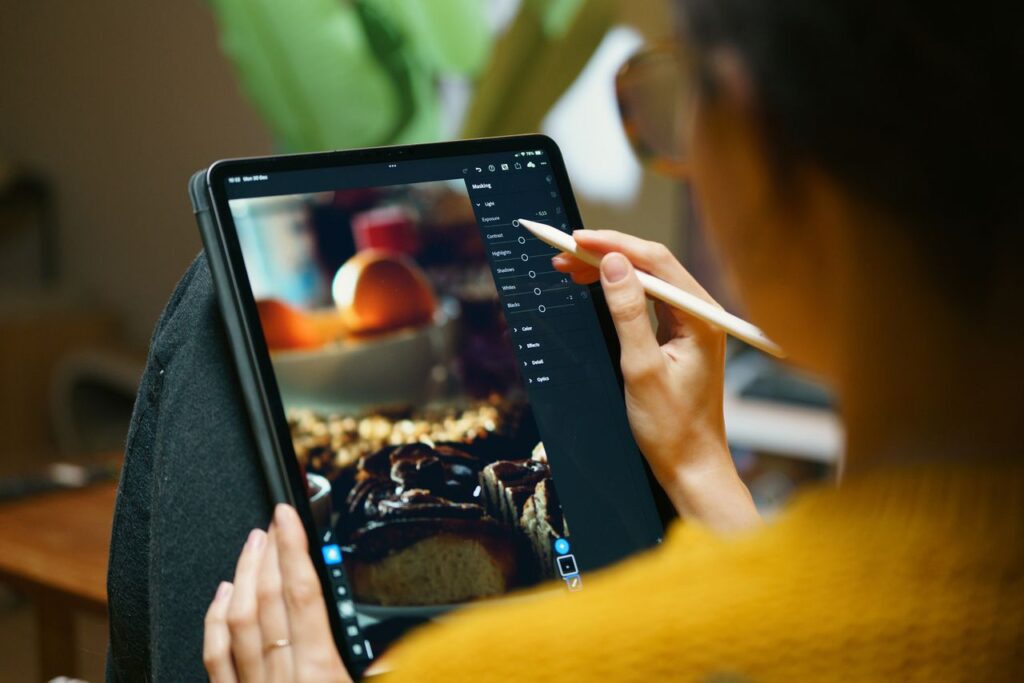
9. Learn Basic Color Correction
Color correction improves the overall appearance of your footage.
Adjust:
- Brightness
- Contrast
- White balance
- Saturation
- Exposure
Small adjustments often create a cleaner and more professional look.
10. Keep Your Videos Engaging
Keeping viewers interested is one of the most important editing skills.
You can improve engagement by:
- Changing camera angles
- Adding B-roll footage
- Using close-up shots
- Including graphics and icons
- Editing at a steady pace
Every clip should support the story you’re telling.
11. Export Videos in High Quality
After editing, use the correct export settings.
Recommended settings:
- Resolution: 1920 × 1080 (1080p)
- Format: MP4
- Codec: H.264
- Frame Rate: Match the original footage
These settings work well for YouTube and most social media platforms.
Common Video Editing Mistakes Beginners Should Avoid
Many new editors make similar mistakes. Avoid these to create better videos:
- Using too many transitions
- Adding excessive visual effects
- Ignoring audio quality
- Making videos longer than necessary
- Using unreadable text
- Exporting at low quality
- Forgetting to save project files
Simple, clean editing is often more effective than complicated effects.
Practice Makes You a Better Editor
Video editing is a skill that improves with experience. Every project teaches you something new.
To improve faster:
- Edit videos regularly.
- Watch tutorials.
- Study professional creators.
- Try new editing techniques.
- Ask for feedback.
Over time, you’ll develop your own editing style and workflow.
Final Thoughts
Learning video editing tips for beginners is the first step toward creating videos that capture attention and keep viewers engaged. Focus on mastering the basics before moving on to advanced effects. Pay attention to storytelling, clear audio, smooth cuts, and consistent practice.
The more you edit, the more confident you’ll become. With patience and dedication, you can create professional-quality videos for YouTube, social media, business, or personal projects.
Start editing today, keep experimenting, and enjoy the creative process. Every great editor began exactly where you are now.
What Is Video Editing?
Video editing is the process of arranging, trimming, enhancing, and combining video clips to create a finished video. It also includes adding music, sound effects, text, transitions, animations, and color adjustments to improve the overall viewing experience.
Good video editing helps:
- Tell a clear story
- Keep viewers engaged
- Improve video quality
- Increase watch time
- Make content look professional